
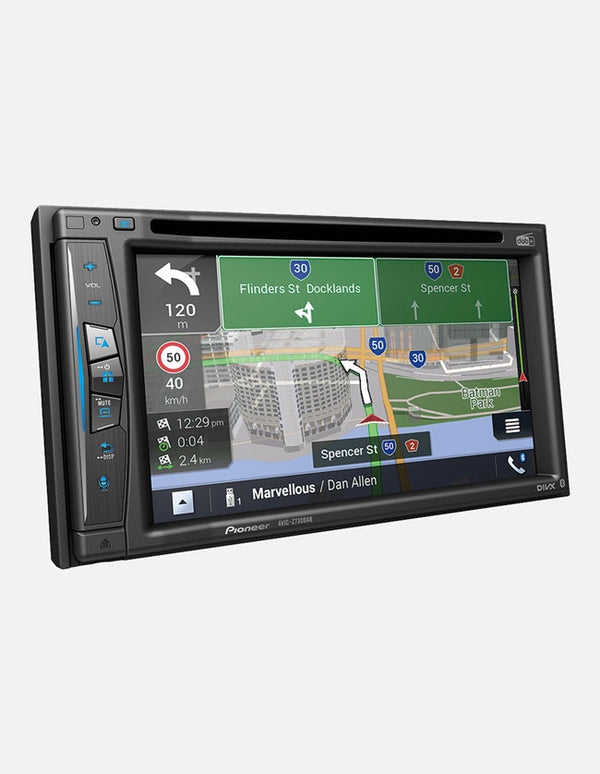
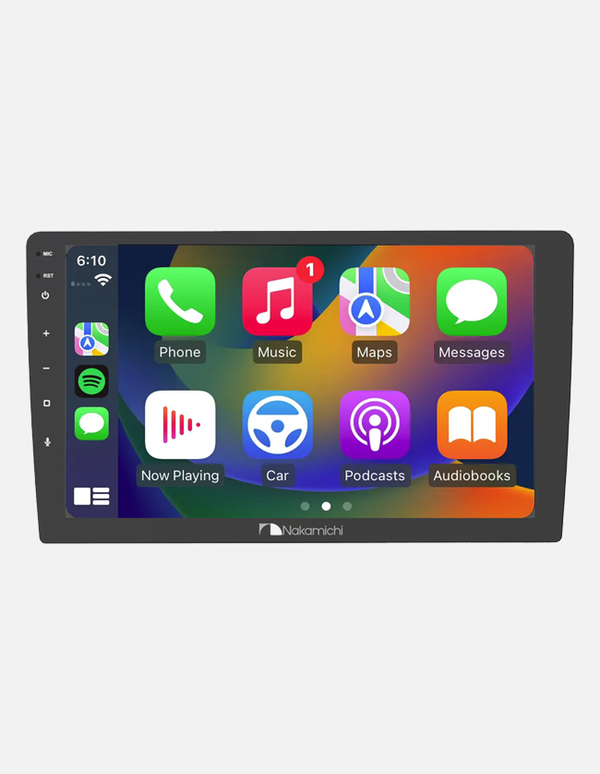
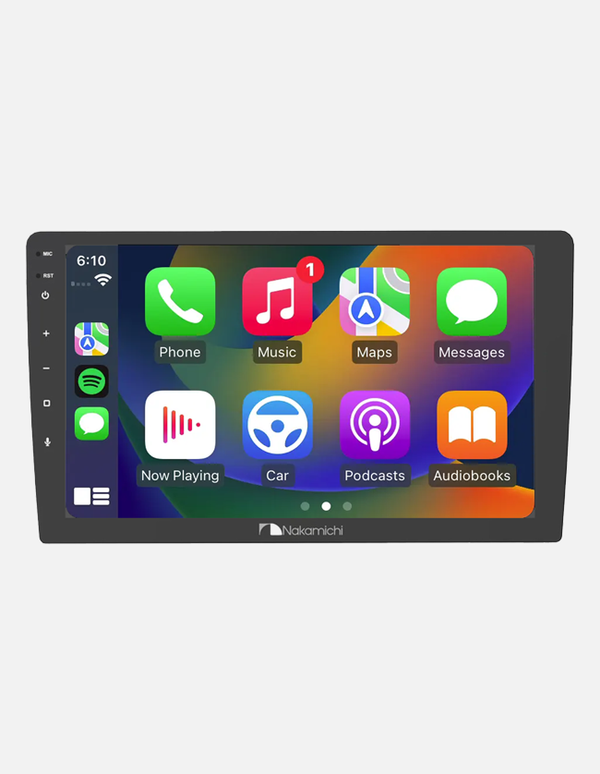
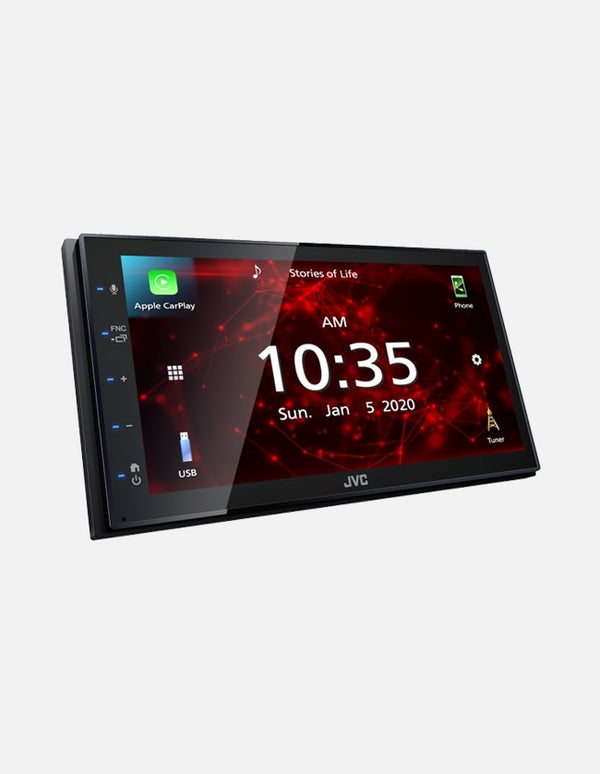
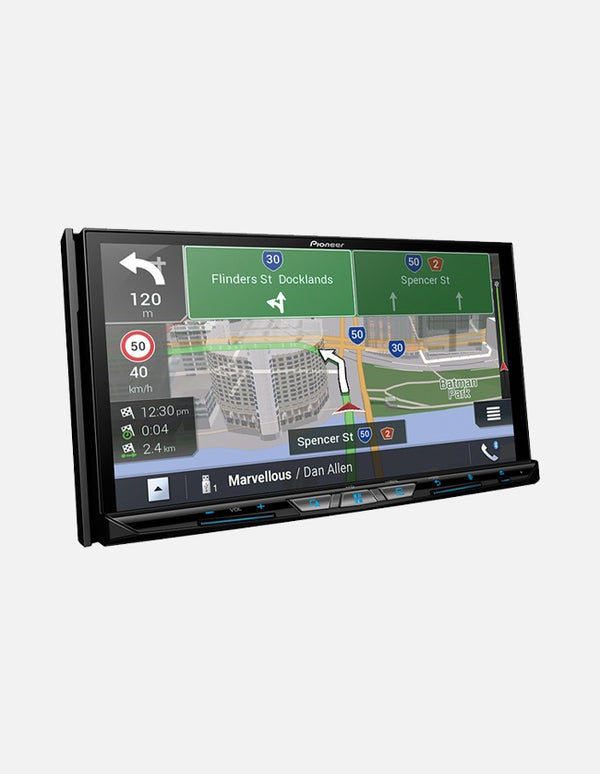
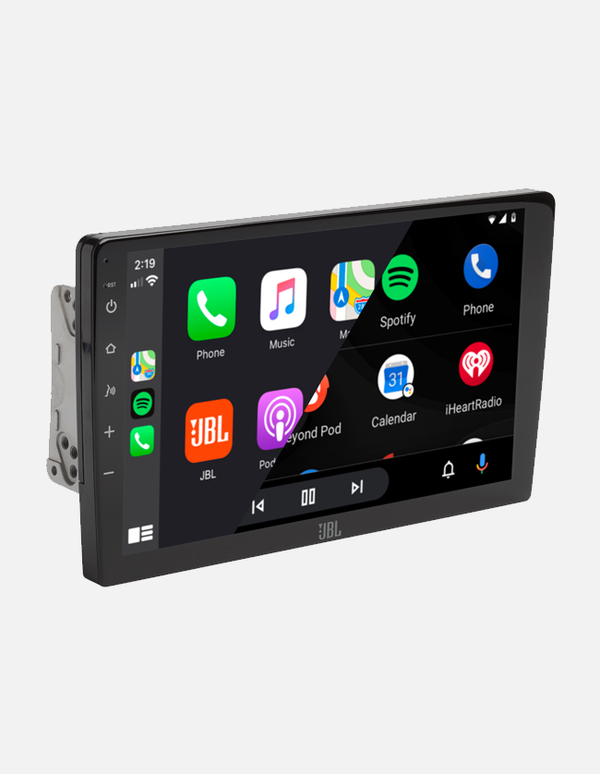
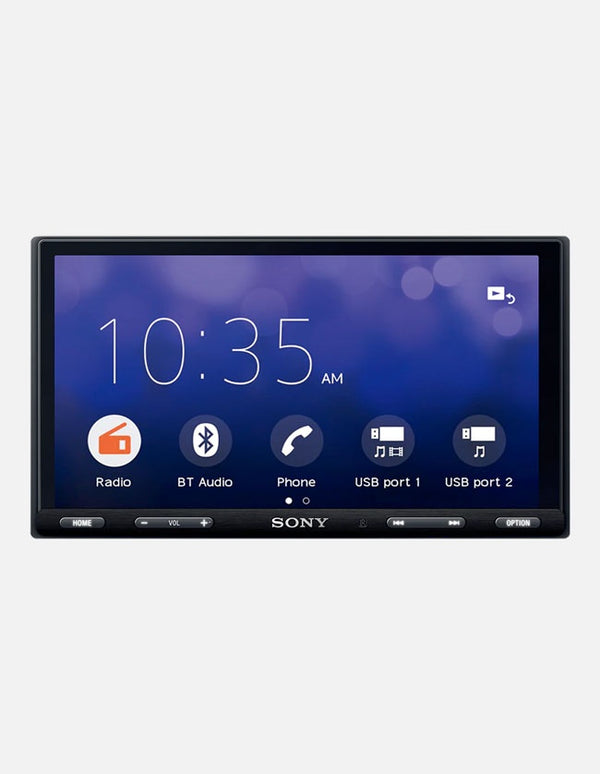

Use our product comparison tool to help you find the right fit
Click the compare icon on any product to add it, then view the differences side by side.
See Comparison Tool
Look out for Bankstown Sound Recommendations
Whether you're shopping in store or online, we're here to guide you with honest, expert advice. Keep an eye out for our 'Bankstown Sound Recommends' callouts across product pages for real insights into the gear we trust and use ourselves, from the Bankstown Sound team.
Upgrade the Factory Dash with the Right Android Auto Head Unit
For anyone who spends real time behind the wheel, the factory head unit can become the weak point of an otherwise well-sorted vehicle. Slow menus, dated mapping, limited audio control and a phone sitting in a cradle are all good reasons to bring the dashboard up to date.
The right Android Auto head unit does more than add a touchscreen. It gives you a cleaner way to run navigation, calls, messages and compatible audio apps, while also creating a stronger control point for speakers, amplifiers, subwoofers and cameras.
The best choice still depends on the vehicle and the system you want to build. Screen size, chassis depth, factory integration, pre-outs, tuning features and wired or wireless connectivity can matter more than the biggest display or the longest feature list.
This guide breaks down what compatible Android head units actually change, the specifications worth comparing and how to choose a setup that feels properly integrated rather than added on.
What Does an Android Auto Head Unit Actually Do?
A compatible Android Auto head unit connects a compatible Android phone to the display in your dashboard. Android Auto runs the driving-focused interface, while the phone supplies supported apps, account information and live data for features such as maps, traffic and streaming.
The layout is designed to put the functions you use on the road within easier reach. Depending on the phone, unit and apps installed, you can access navigation, music, calls and messages through the touchscreen, steering-wheel controls or voice commands.
It is important to separate Android Auto from a generic compatible Android car head unit. Android Auto is a phone-projection platform developed by Google. Some other receivers run a full Android operating system directly on the unit, which is a different type of product with different hardware, app and support considerations.
What Changes When You Upgrade the Factory Head Unit?
Navigation That Uses Current Phone Data
Instead of relying on an old built-in map database, Android Auto can display supported navigation apps using current information from your phone. A larger, well-positioned Android Auto screen makes junctions, lane guidance and route changes easier to read without turning the dash into a tablet mount.
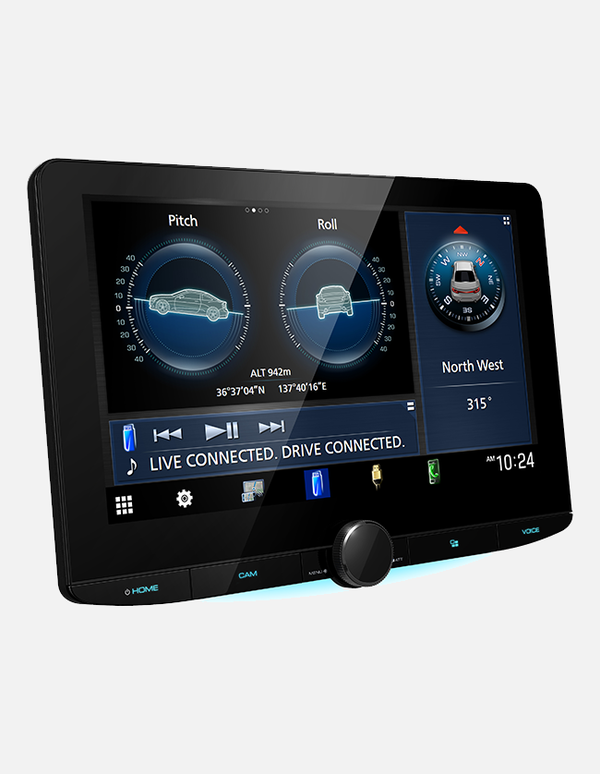
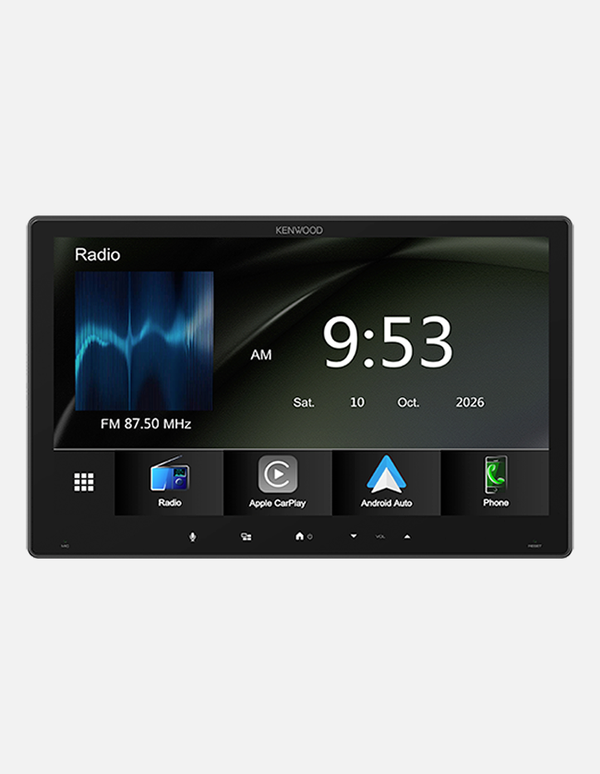
For drivers who want a large display, the Kenwood DMX7412XDS uses an 11.6-inch floating screen and a compact 1-DIN chassis. The format can suit vehicles where a larger panel is wanted but the available radio cavity is limited.
Wired or Wireless Connectivity
A wired connection is simple and keeps the phone charging, while a wireless Android Auto head unit can connect automatically after the initial pairing process. Wireless operation is useful in a daily driver because navigation and audio can appear without taking the phone out of your pocket.
Wireless does not remove the need to check compatibility. The phone and receiver both need to support it, and connection quality can vary with software, device settings and the way the hardware has been installed.
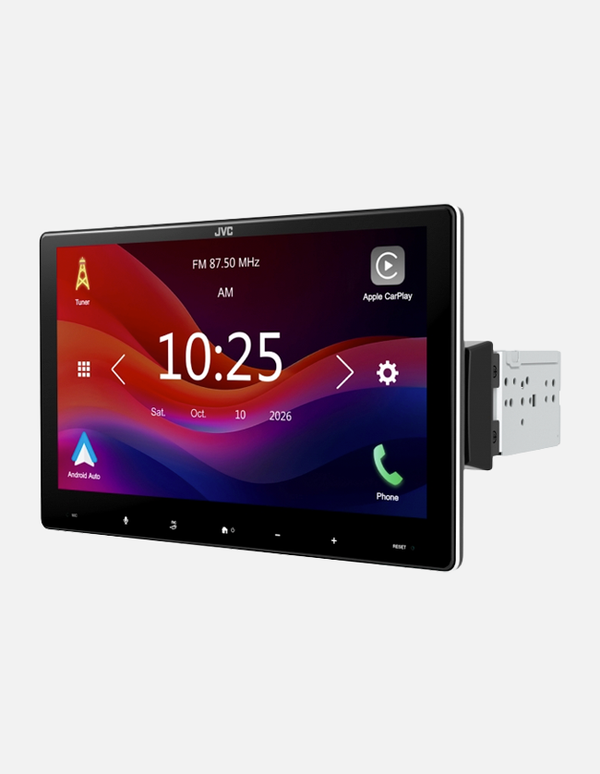
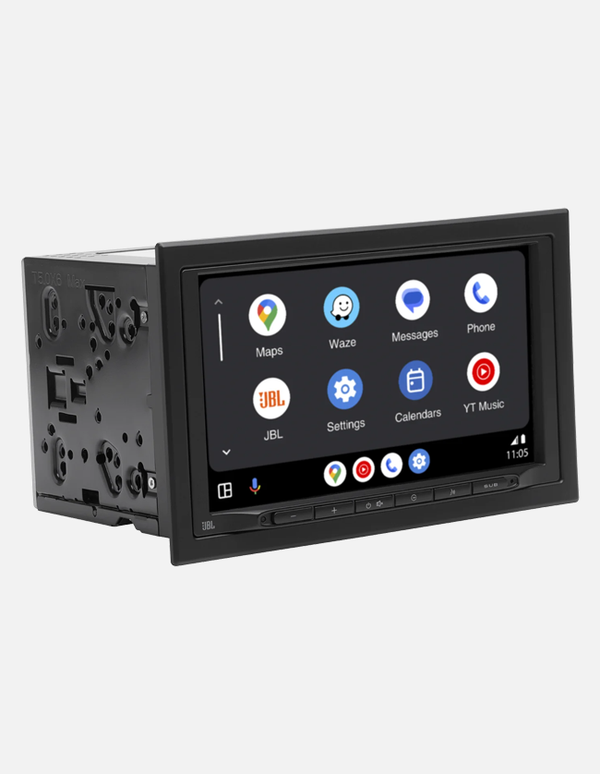
The JVC KW-M690BW is a practical double-DIN option with wireless Android Auto, a 6.8-inch capacitive display and three 4V pre-outs for future amplifier or subwoofer expansion.
Better Control of the Audio System
Replacing the factory receiver does not automatically fix every weakness in the system, but the right unit can give you far more control over it. Equalisation, time alignment, crossovers and stronger pre-out sections can make it easier to integrate aftermarket speakers, amplifiers and subwoofers properly.
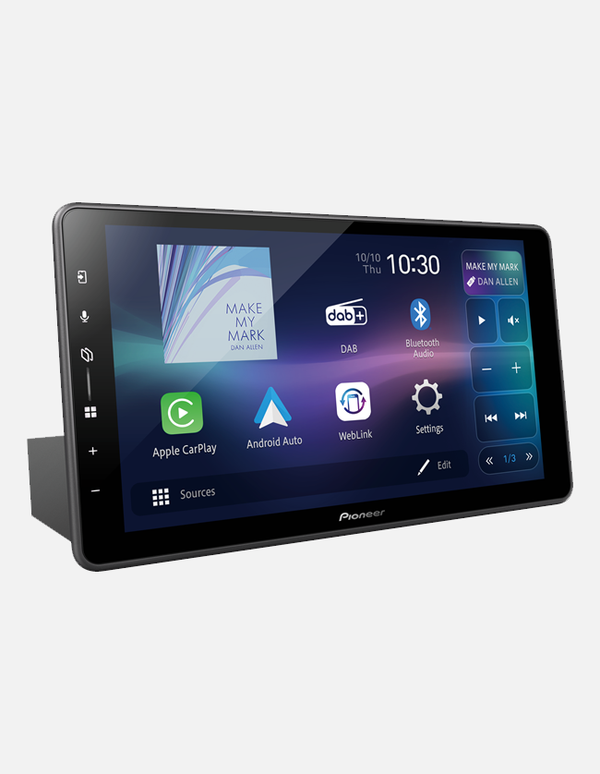
The Pioneer SPH-EVO98DAB combines wireless connectivity with a 13-band equaliser, time alignment, crossover settings and three pre-outs. Its modular design also separates the screen from the main chassis, which can be useful in vehicles with tight or non-standard dashboard layouts.
Retaining the Functions Already in the Vehicle
A head unit upgrade should not be treated as a screen swap alone. Steering-wheel controls, factory cameras, parking sensors, USB ports, amplified factory systems and vehicle settings may require the correct fascia, harness, interface or data module.
Some functions can be retained cleanly with the right integration hardware, while others vary by make, model and trim level. This is why fitment needs to be confirmed against the exact vehicle rather than assuming every double-DIN opening works the same way.
How to Choose the Right Android Auto Head Unit
Start with the Dashboard, Not the Screen Size
A larger display is not automatically the better installation. The dash opening, available depth, vents, switches, sightlines and access to climate controls all need to be considered. Floating screens provide more flexibility, but the display still needs enough room to sit comfortably without obstructing factory controls.
A double-DIN head unit with Android Auto can create a more factory-style finish where the dashboard allows it, while giving you access to compatible navigation, music and communication apps through your connected phone. A shallow or modular chassis may be the better option when there is limited space behind the fascia.
Compare Audio Features for the Build You Have Planned
If the unit will remain on factory speakers, ease of use and reliable connectivity may be the priority. If the vehicle already has amplifiers or the system will be expanded later, check the number and voltage of the RCA pre-outs, crossover controls, time alignment, equaliser options and subwoofer control.
Planning those connections early avoids buying a unit that works well as a phone interface but becomes the limiting factor when the rest of the audio system is upgraded.
Check Camera and Factory Integration
Confirm how many camera inputs the receiver offers and whether the existing reverse camera can be retained. Vehicles with 360-degree cameras, factory amplifiers or integrated vehicle menus can require more specialised interfaces than a basic aftermarket system.
Professional installation is especially valuable where the head unit needs to communicate with factory electronics. Clean wiring and correct interface configuration affect reliability just as much as the receiver itself.
Choose the Connection You Will Actually Use
Wireless connectivity is convenient, but wired Android Auto still makes sense for drivers who want the phone charging during longer trips or prefer a physical connection. Many current units support both, so the choice does not always need to be permanent.
Look beyond the wireless badge and compare boot time, screen response, call quality, microphone placement and how quickly the unit reconnects after the vehicle starts.
Android Auto, Apple CarPlay and Common Product Names
Most current aftermarket receivers support both Android Auto and Apple CarPlay. You may see the same type of unit described as an Android CarPlay head unit or an Android Auto CarPlay receiver, although Android Auto and Apple CarPlay remain separate platforms for different phones.
Searches such as CarPlay Android generally refer to a receiver that supports both operating systems. Android Car Play is also commonly used as an informal phrase, but it is not the official name of Google’s platform.
For households using a mix of Android phones and iPhones, a dual-platform unit is usually the safest choice. It allows different drivers to connect without locking the vehicle into one phone ecosystem.
Why Choose Bankstown Sound for an Android Auto Upgrade?
Advice Based on the Vehicle and the System You Want to Build
We do not recommend a receiver from the screen size alone. Bankstown Sound considers the vehicle, factory equipment, dashboard layout, audio system, camera requirements and the upgrades you may want to add later.
Hands-On Product Knowledge
With more than 15 years in car audio and vehicle technology, our team works with products from Kenwood, Pioneer, JVC and other proven manufacturers. We focus on hardware we would be confident using in our own vehicles when it suits the application.
Professional Installation and Factory Integration
Our Bankstown workshop can handle fascia kits, wiring interfaces, steering-wheel controls, microphones, reverse cameras, amplifier connections and system setup. The aim is a reliable installation that looks considered and retains the functions the vehicle still needs.
Australia-Wide Supply and Support
Customers can browse the Android Auto range online with Australia-wide shipping. For more involved systems, our team can help confirm fitment and compatibility before the unit is ordered.
Upgrade Your Dashboard with Bankstown Sound
A properly selected head unit can modernise an older dash, simplify the way you use your phone and provide the control needed for the next stage of the audio build. The result depends on choosing the right hardware and integrating it properly with the vehicle.
Browse our range online or speak with Bankstown Sound about the right screen format, connectivity, audio features and installation approach for your car.
Frequently Asked Questions
Yes, provided the vehicle has a suitable installation path. It can add current navigation, hands-free communication, streaming and a modern interface without replacing the vehicle. The fascia, wiring and factory functions still need to be checked first.
Wired Android Auto connects through USB and can charge the phone at the same time. Wireless Android Auto uses Bluetooth for the initial pairing and Wi-Fi for the main connection. A compatible wireless Android Auto head unit is more convenient for short daily trips, while a cable remains useful when charging is important.
Often, yes. The correct control interface, camera adaptor or data module may be required. Compatibility differs between vehicles, so the exact make, model, year and trim should be checked before installation.
It can improve control and provide a cleaner path for system expansion, particularly where the unit has useful EQ, time alignment, crossovers and quality pre-outs. The final sound still depends on the speakers, amplification, installation and tuning.
Yes. Live traffic, streaming, online voice functions and other connected features use your phone’s mobile data. Downloaded maps and stored audio can reduce data use, depending on the app and settings.
No. Android Auto uses a driving-focused interface built around supported apps and controls. Screen mirroring copies more of the phone display and can have different compatibility, control and safety restrictions. Some receivers offer both features, but they are not the same system.
Yes. Many current receivers support both platforms, but an iPhone connects through Apple CarPlay rather than Android Auto. Check the specifications of the individual receiver because wired and wireless support can differ between the two platforms.
Yes, provided the Android Auto head unit has suitable RCA pre-outs and the tuning controls required for the planned system. Front, rear and subwoofer pre-outs provide more flexibility for staged upgrades and proper system tuning.
Wired Android Auto connects through a compatible USB cable. Wireless Android Auto usually uses Bluetooth for the initial pairing and Wi-Fi for the main connection. Once your phone and compatible Android Auto head unit are paired, supported apps should appear automatically when the vehicle starts.