
Dash cams have become one of the most popular and practical car accessories on the market. Whether you’re a daily commuter, road-trip enthusiast, rideshare driver, or just someone who wants extra peace of mind on the road, a dash cam can be a valuable investment. From providing evidence in accidents and protecting against insurance fraud to capturing stunning driving footage, the benefits are clear.
But before you rush out and install one, there are some key things you should know first — from legal considerations and power options to mounting tips and technical features. Understanding these elements ensures your dash cam performs reliably, looks neat in your vehicle, and stays compliant with local laws.
Let’s walk through everything you need to know before installing dash cam.
What a Dash Cam Actually Does
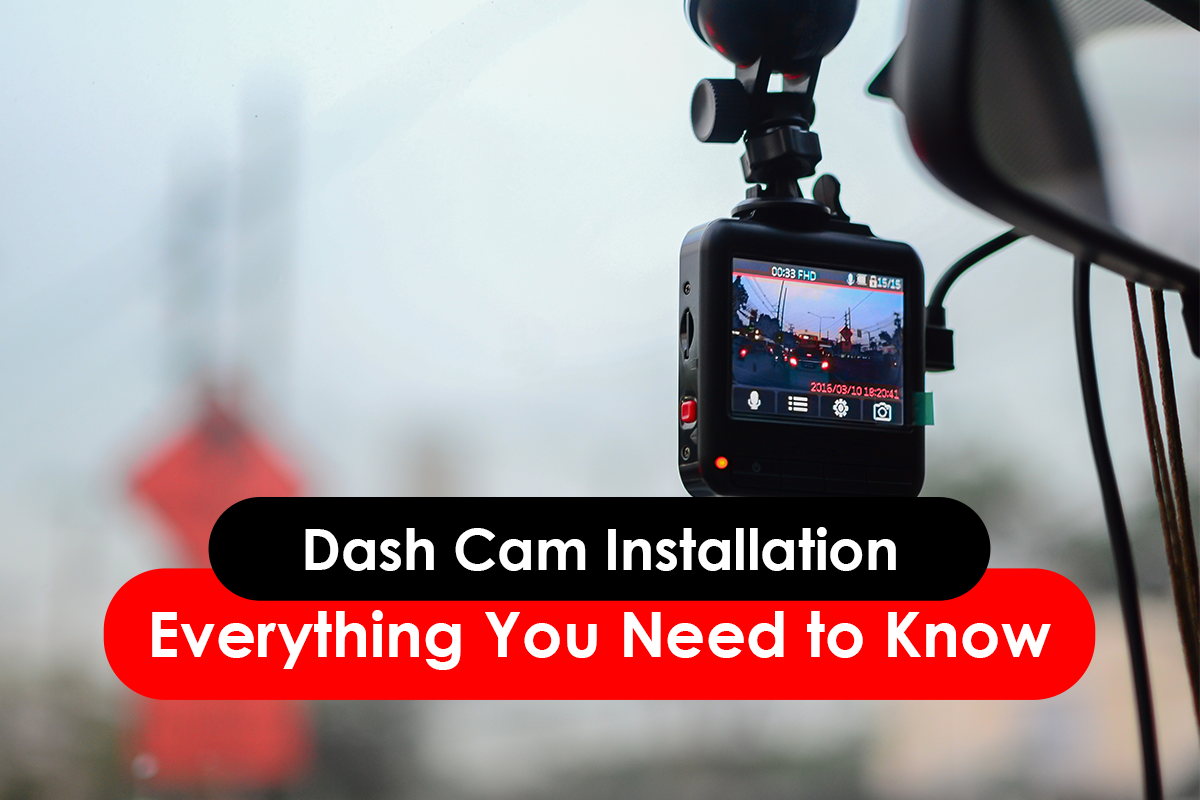
A dash cam (dashboard camera) is a video recording device that mounts inside your vehicle, typically on the windshield or dashboard. Its purpose is simple: record what’s happening on the road in front of (and sometimes behind) your vehicle.
Depending on the model and features, many dash cams also:
- Record in loop mode (overwriting old footage when the memory card is full)
- Detect collisions or sudden motion via a G-sensor and lock footage automatically
- Capture both front and rear views
- Include GPS data for speed and location tagging
- Record while parked (parking mode) if hardwired or powered continuously
These capabilities make dash cams useful for insurance claims, dispute resolution, and even personal safety.
Know Local Laws and Regulations
Before installing dash cams, one of the most important things to understand is whether there are legal restrictions on where and how the camera is mounted.
In many jurisdictions, cameras that obstruct the driver’s view can be illegal — or at least discouraged — even if they’re meant for safety. Depending on where you live, there may be rules about how high or low the camera sits on the windshield, and what portion of the glass it occupies.
Also, some areas have laws governing audio recording or privacy when recording passengers. It’s always a good idea to check your local road authority or insurance policies to ensure you’re compliant.
Choosing the Right Mount Point
Mounting your dash cam correctly is critical — both for legal compliance and for getting usable video footage.
General mounting tips:
- The most common and effective position is behind the rear-view mirror — it gives a clear, central view while staying out of your line of sight.
- Avoid placing it too low or too close to the driver’s view, as this could violate visibility laws or create blind spots.
- Plan the angle so it captures the road and a bit of the bonnet, helping with perspective and distance in videos.
A well-positioned dash cam provides better evidence and avoids annoying glare or obstruction.
Parts and Tools You’ll Need
Most dash cams come with essential components, but here are some things you might also consider:
MicroSD Card
Dash cams don’t record to built-in memory — they use a microSD card.
- Choose a high-endurance card designed for constant recording.
- Format the card using the dash cam before use.
Power Cable
Your dash cam needs power. Typical ways to do this include:
- Plug-and-play (12V outlet / cigarette lighter) — easiest, but usually only works when the car is on.
- Hardwiring to fuse box — allows features like parking mode (recording when the car is off).
- OBD-II power cable — another plug-and-play style that can still give parking power without hardwiring.
Each has pros and cons, so we’ll explain them shortly.
Trim Removal Tool or Cable Clips
To hide cables neatly and avoid dangling wires, having the right tools helps achieve a clean, factory-like install
Power Supply: 12V, Hardwire or OBD Power
Plug-in (12V Socket)
The simplest method is plugging your dash cam into the cigarette lighter or USB port.
- Great for front-only recording during drives
- No wiring into your car’s electrical system
Pros:
✔ Easiest to install
✔ Doesn’t affect car wiring
Cons:
✘ Dead when the ignition is off
✘ No parking mode
Hardwire Kit
Hardwiring means connecting your dash cam’s power cable directly to the car’s fuse box.
This lets the camera draw power even when the car is off (ideal for parking mode)ใ
Pros:
✔ 24/7 power for parking monitoring
✔ Neater installation with no visible plug
Cons:
✘ Requires skill or professional installation
✘ Must ensure correct wiring to avoid battery drain or electrical issues
OBD-II Power Cable
An alternative plug-and-play method that still gives your camera power on and off with the car.
Pros:
✔ Easy to install
✔ Avoids fuse box complexity
Cons:
✘ Not all dash cams support this
✘ May still turn off if car battery isn’t active
Run Wires Neatly for Safety and Aesthetics
Cable management might seem minor — but it’s actually important for safety and reliability.
- Wires dangling near pedals or steering can be a hazard
- Loose cables can break or short over time
- Neat wiring gives a factory-fit look and hides electronics from view
Professional installers will run cables up the windshield’s edge, behind trim panels, and down to power locations without pinching or sharp bends.
Common Installation Mistakes to Avoid
Getting your dash cam installed properly the first time saves time and trouble later.
Mounting in the Line of Sight
Avoid blocking your forward view — this can be dangerous and even illegal.
Incorrect Power Wiring
Wrongly choosing fuse connections or wiring incorrectly can lead to drained batteries or electrical damage.
Poor Cable Management
Loose wires should never interfere with pedals or vehicle control.
Low-Quality MicroSD Cards
Dash cams write continuously — a low-end memory card can fail quickly. Choose a dash cam-rated card for longevity.
Dash Cam Features You Should Understand
Before installing dash cams, consider these common features — they affect both performance and installation requirements:
Loop Recording
Dash cams record continuously and overwrite the oldest footage once the card is full.
G-Sensor
Detects sudden impacts and saves that clip from being overwritten.
Parking Mode
Records while parked, but usually requires constant power (hardwired or OBD).
GPS
Tags speed and location, useful for insurance or legal purposes.
Front and Rear Cameras
Dual cameras offer comprehensive coverage but need wiring to both ends — more installation time.
Privacy, Insurance & Warranty Considerations
Before you install:
Insurance Impact
In some regions, hardwired dash cams are considered a vehicle modification and must be disclosed to your insurer to avoid problems with claims.
Warranty Concerns
Dealerships sometimes warn that tapping into vehicle wiring could affect warranty coverage — so check your warranty terms.
Privacy
Dash cams record public roads — but some places have rules about audio recording or capturing passengers. Always be aware of your local privacy laws.
Test After Installation
Once installed, don’t just assume everything works — test it:
- Power on with ignition and check recording starts automatically
- Drive around to ensure the camera angle captures the road clearly
- Test at night to verify low-light performance
- If using parking mode, confirm recording after the engine is off
Testing early helps catch issues before they matter.
Maintenance and Care
Your dash cam needs some upkeep to stay reliable:
- Clean the lens regularly for clear footage
- Format the SD card periodically to reduce errors
- Update firmware when available
- Check recordings from time to time to ensure quality
Regular maintenance keeps your dash cam ready when you need it.
Installation Costs: DIY vs Professional
Installing a dash cam yourself via the 12V socket is generally inexpensive and straightforward. But if you want features like parking mode, rear cameras, or hardwired installation, there’s value in professional installation:
- Simple install (12V power): Very low or no cost
- Hardwired installation: Commonly $150–$350 (varies by vehicle and setup)
- Full front + rear dual camera: Additional labour time
Many people feel confident DIYing the basic install, but parking mode and fuse wiring are better handled by experienced technicians.
To Help You Decide
Just in case you can't decide which one to go with, we identify 3 dash cams for you, each representing a budget, best value, and premium all-purpose choice.
Budget-Friendly Option
📌 Blackvue DR770X Plus MkII 1-Channel Dash Camera - $479
A hugely popular and reliable choice that balances performance and price:
- Full HD front and rear recording at solid framerate
- Sony STARVIS image sensors — bright, clear video in all lighting
- GPS, built-in Wi-Fi and smart parking mode
- Optional 4G LTE connectivity for advanced features
Why it’s great: The DR770X sharpens essential features — dual cameras, GPS data logging, parking recording and app access — at a very competitive price point. It’s a go-to option for most everyday drivers wanting more than just basics.
Best Value
📌 Eagle i4.2K 2‑Channel 4K Dash Camera - $599
A fantastic entry-level dash cam with features that far surpass most basic models:
- 4K front + 2K rear recording — excellent clarity for this price range
- Sony STARVIS sensors for better night footage
- Built-in GPS and Wi-Fi for easy access and playback on your phone
- Intelligent parking mode and motion detection included
Why it’s great: You get high-resolution footage, app connectivity, and dual-camera coverage without breaking the bank — perfect for drivers who want solid protection and visibility on the road.
Premium Option
📌 Blackvue DR970X Plus MkII 2‑Channel 4G/LTE Dash Camera - $1,179
For anyone who wants everything and then some:
- 4K Ultra HD front + Full HD rear recording
- Built-in 4G/LTE connectivity for remote live view, alerts and cloud backup
- GPS, Wi-Fi, advanced parking surveillance and real-time monitoring
- Exceptional performance with Sony STARVIS sensors and sleek, discreet design
Why it’s great: This model turns your dash cam into more than a recorder — it becomes a connected protection system. Real-time alerts, cloud features and high resolution make it ideal for busy commuters, rideshare/pro drivers, or anyone wanting premium peace of mind.